
 Trading Tools
ChartDeck PRO: MT4/MT5 Indicator Panel
ChartDeck PRO docks seven MT4/MT5 chart tools (Triple MA, Bollinger Bands, ZigZag, S/R, Pivots, Sessions, Daily News) into one alert-ready panel.
Your balance only updates when trades close — equity tells the real story. How Equity Tracker MT5 monitors drawdown and performance in real time.
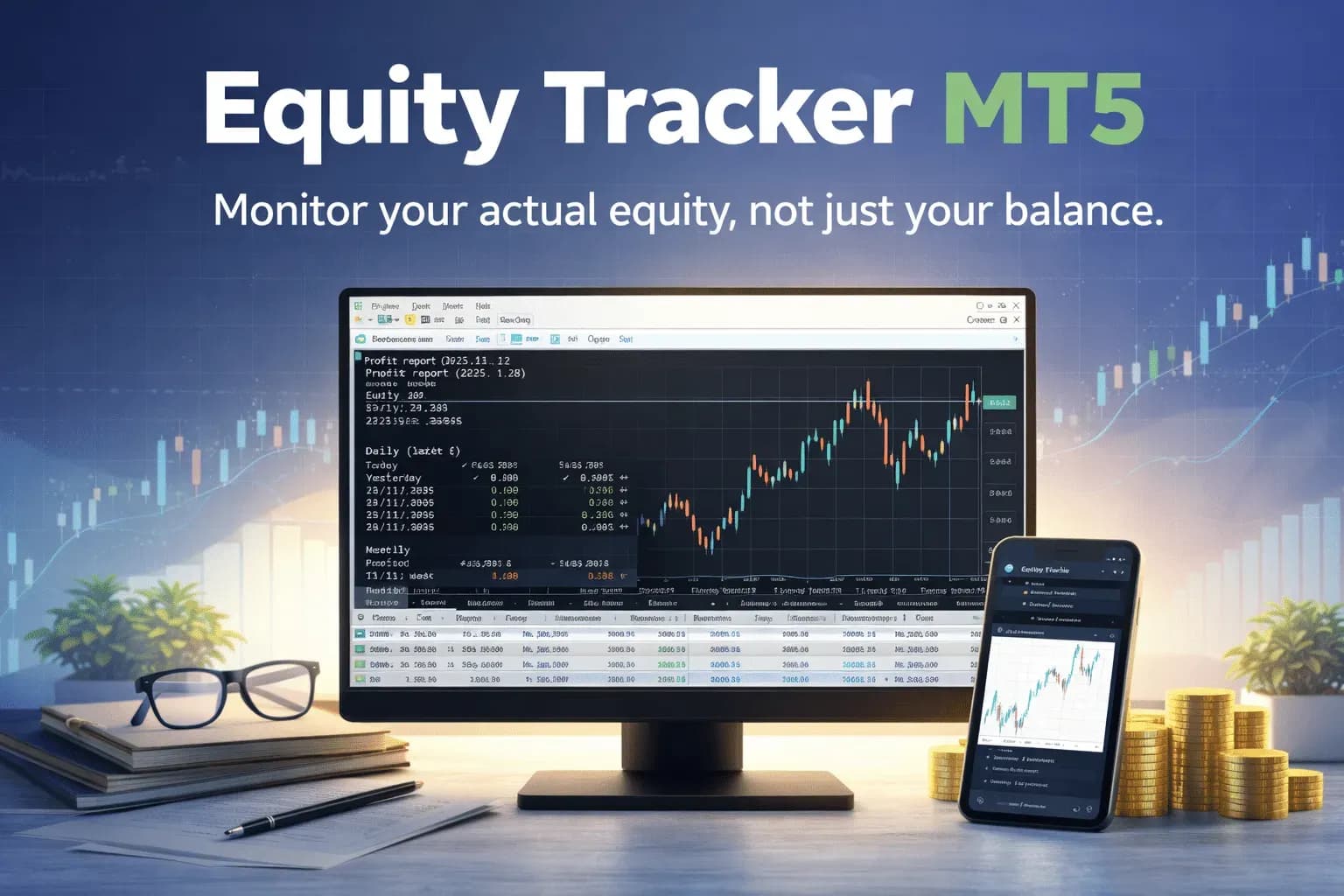
Equity Tracker MT5 exists for one reason: your account balance does not tell the full story. Balance only updates when trades are closed. Equity updates continuously. If you have open positions, equity is the number that actually reflects your real risk and exposure. This is why I built a dedicated MetaTrader 5 performance monitor focused entirely on equity, not balance. Most traders understand the difference in theory. Fewer pay attention to it in practice. I didn’t either at first. When I started running multiple automated strategies on MT5, I mainly checked balance. It felt reassuring. But once I began tracking equity closely, I realized that I was often deeper in drawdown than I thought. In a prop firm environment, some of those moments would have failed the account instantly. Another issue became obvious over time: I wasn’t always at the computer (and I didn’t want to be). My strategies kept trading, but I had no simple way to stay informed during the day. I wanted continuous visibility into what my account was doing, even when I was away. That gap between balance and equity is the reason Equity Tracker MT5 exists. I wanted something simple. A MetaTrader 5 performance monitor that quietly shows what is happening without interfering.
Balance answers the question: What happened? Equity answers the question: What is happening right now? If you closed all open trades at this exact moment, equity is what you would have. Balance ignores floating profit and loss entirely. This distinction is explained in the official MQL5 account properties documentation and educational resources like BabyPips. Yet MT5 does not make equity particularly easy to follow during live trading. That’s where a dedicated MT5 equity tracking tool becomes useful. When you monitor equity in real time:
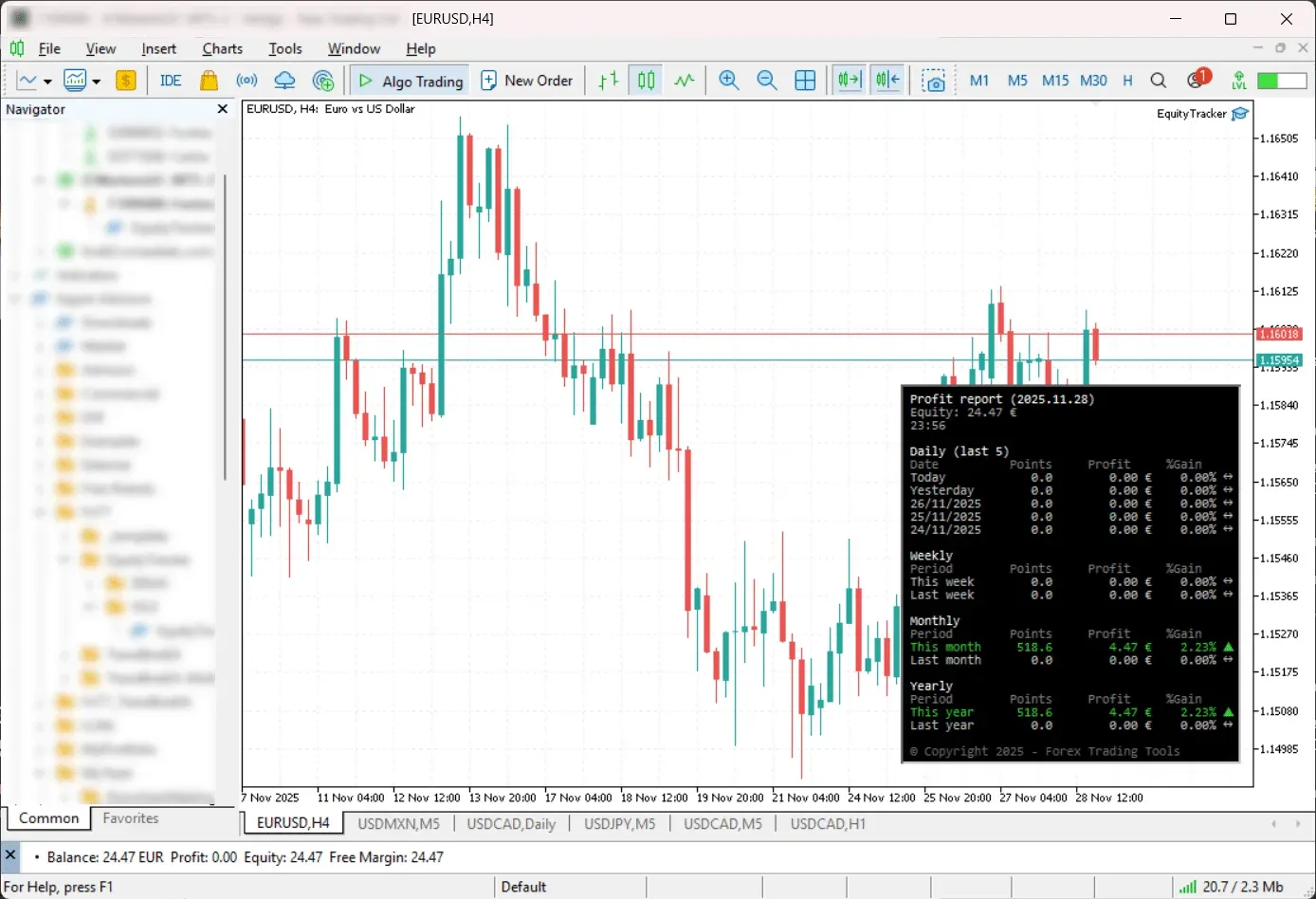
MetaTrader 5 shows equity (but only as a number). There is no built-in equity curve on the chart. No historical context. No clear daily, weekly, or monthly equity performance. If you want to understand how equity evolves over time, you typically need to export reports or use external tools. Equity Tracker MT5 fills that gap directly inside the platform.
This is not a trading robot.
Equity Tracker MT5 simply observes the account and presents equity-related information clearly. Main features:
If you run multiple expert advisors, everything is aggregated at the account level. Manual trades are included automatically. The goal is not analysis for analysis’ sake. The goal is awareness. View Equity Tracker MT5 on the product page
Equity Tracker MT5 is particularly useful if you:
Setup is intentionally minimal.
No configuration is required. Equity tracking starts immediately.
What is the difference between equity and balance? Balance reflects closed trades only. Equity includes floating profit and loss. Can Equity Tracker MT5 interfere with other EAs? No. It does not send trade commands or modify positions. Is Equity Tracker MT5 suitable for prop firm accounts? Yes. It helps monitor real-time drawdown and equity-based rules. Is this available for MT4? This version is designed for MetaTrader 5 only. Does Equity Tracker MT5 affect platform performance? It is lightweight and designed to run quietly alongside other tools. If you want to explore other tools, browse the full collection of indicators and expert advisors. Sometimes the most useful tool is the one that simply shows you what’s already there.
The safest way to use an account monitor is to define the failure points before the trading day starts. Set a daily loss warning, an overall drawdown warning, a margin-level alert and a heartbeat interval that matches your VPS reliability needs. The goal is not to create more notifications; it is to make the important account-state changes impossible to miss.
For manual traders, Equity Tracker becomes a second screen for discipline. It helps you see when a good setup has turned into an account-level risk problem. For EA users, it adds independent monitoring around tools that may already manage entries and exits. That separation matters: an execution EA should not be the only system telling you whether the account is safe.
On prop-firm challenges, keep the thresholds below the official breach levels. A warning at the exact rule limit arrives too late. Leave a buffer for spread, swaps, weekend gaps and platform disconnections, especially during news events or low-liquidity sessions.
Trading ToolsChartDeck PRO docks seven MT4/MT5 chart tools (Triple MA, Bollinger Bands, ZigZag, S/R, Pivots, Sessions, Daily News) into one alert-ready panel.
 Trading Tools
Trendline PRO, a new MT5 Expert Advisor for visual traders — draw entry, breakout and close lines on the chart and let the EA execute them.
 Trading Tools
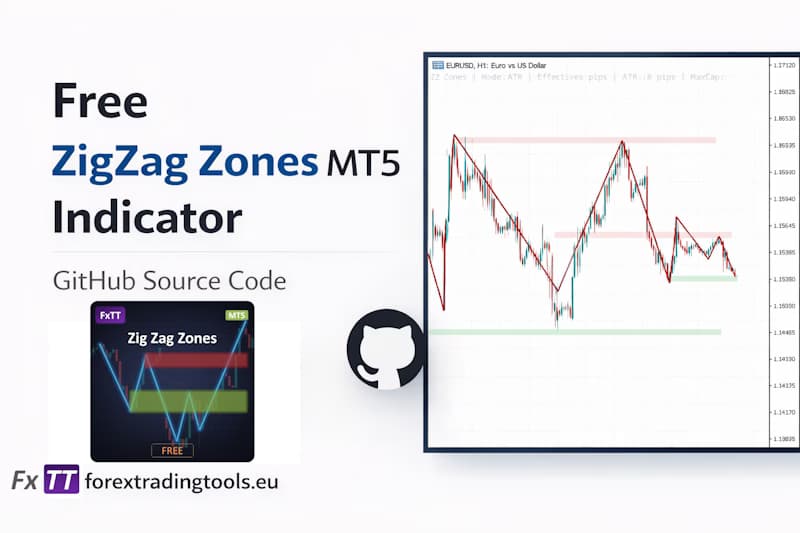
Draw MT5 support and resistance zones automatically from ZigZag pivot clusters — free open-source MQL5 indicator with ATR-adaptive sizing.