
MTF Triple Moving Averages
Free Multi-Timeframe Indicator
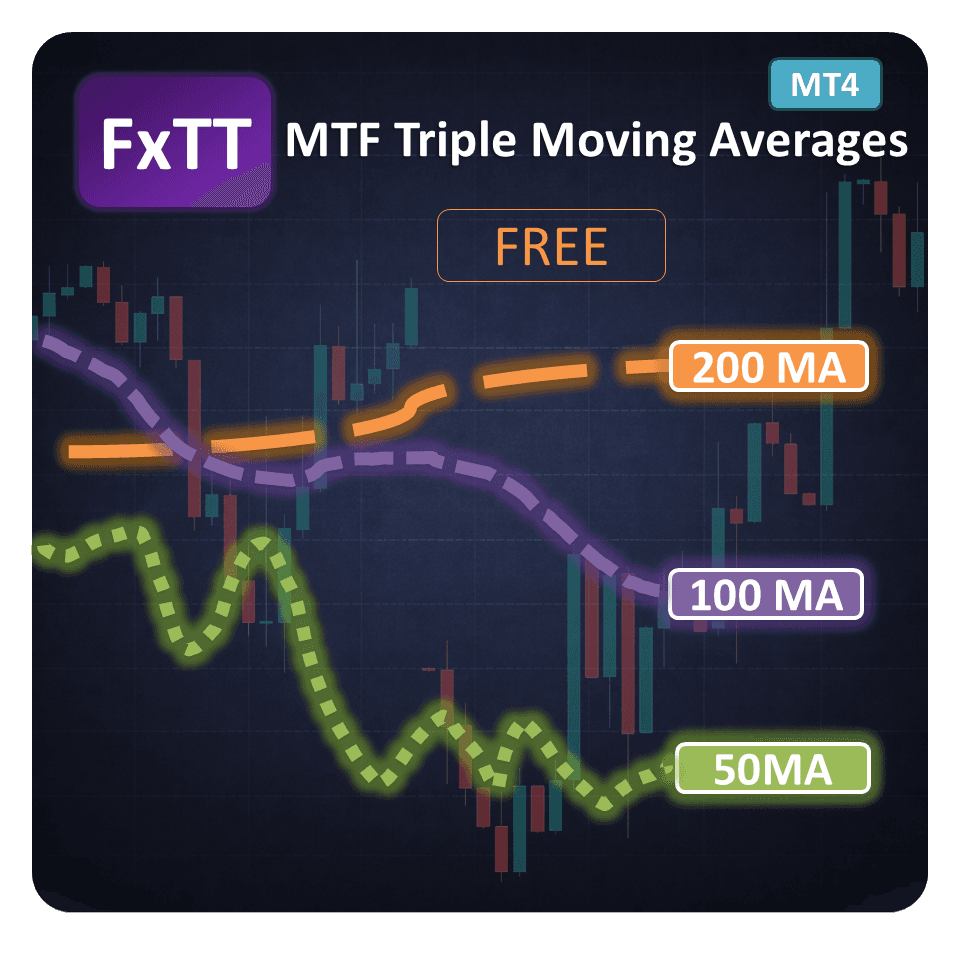
The MultiTimeFrames Triple Moving Averages indicator is an indicator that I implemented for my personal use. It's purpose is to show the Moving Averages from different timeframes on the same chart to help find the dynamic levels of support and resistance.
Free Download
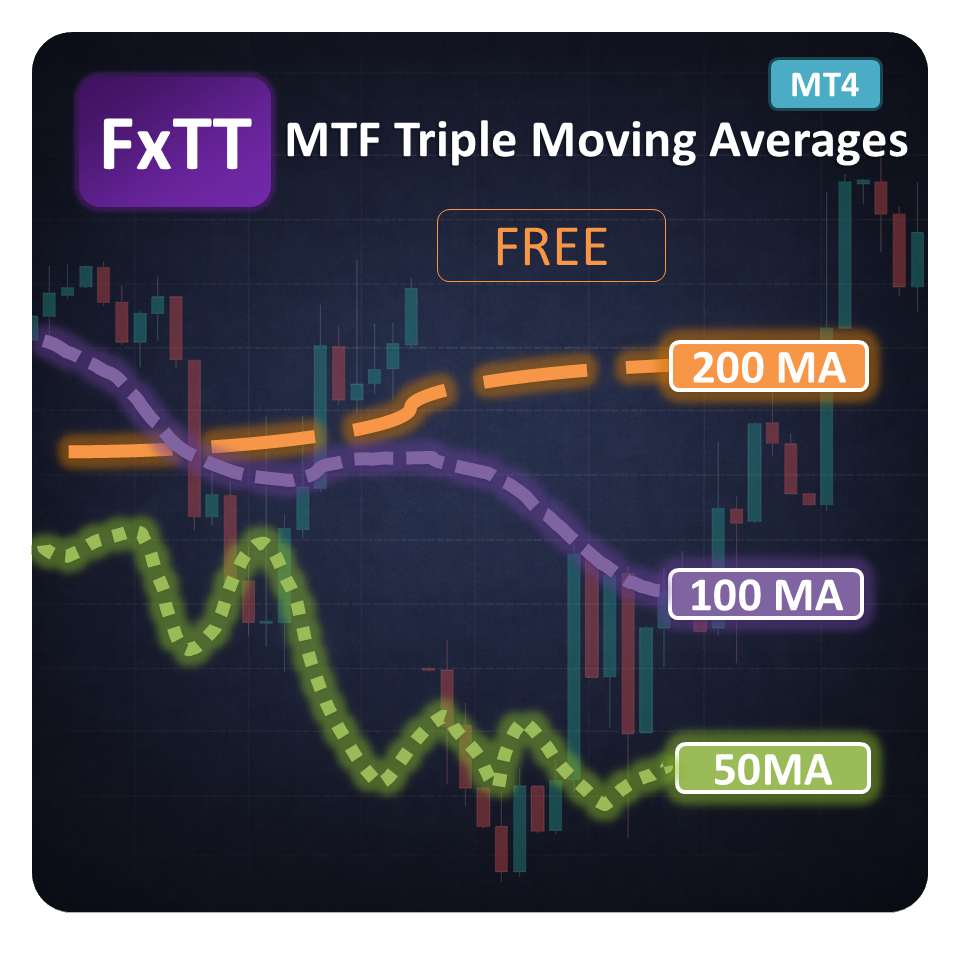
The MTF Triple Moving Averages indicator lets you visualize Moving Averages from higher timeframes directly on your current chart, without ever leaving it. It was originally built for personal use to identify dynamic levels of support and resistance across multiple timeframes at a glance.
The indicator draws three Moving Averages sourced from any timeframe you choose. Each MA can be toggled on or off through an interactive configuration panel placed directly on the chart, labeled MTF Triple MA, keeping your workspace clean and readable.
Full control over each Moving Average is available through the settings window: period, shift, method (SMA, EMA, SMMA, LWMA), applied price, line color, line style, and line width. This makes it easy to adapt the indicator to any trading strategy or visual preference.
Key Features
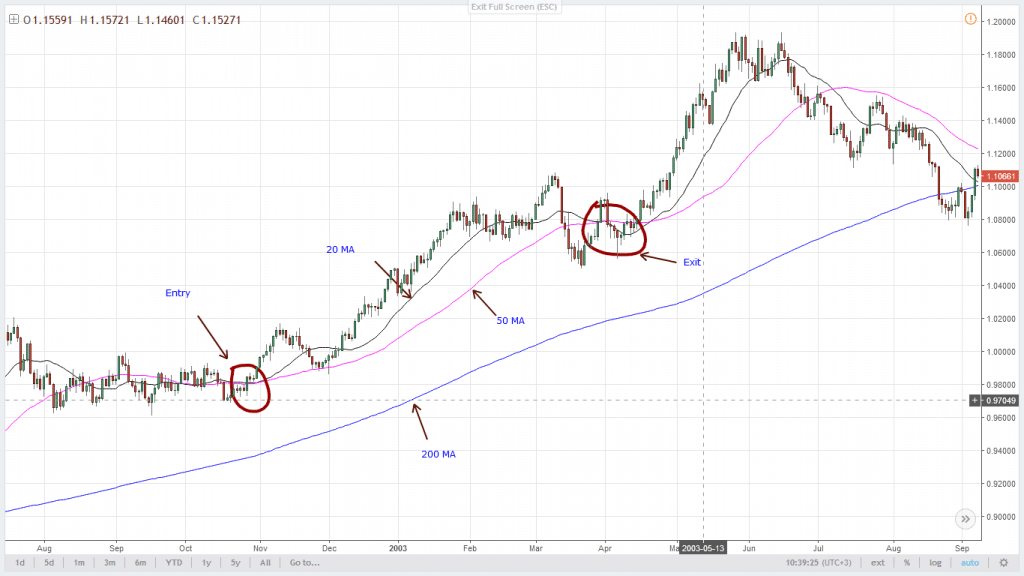
- Multi-Timeframe Moving AveragesDisplay Moving Averages from any higher timeframe on your current chart without switching views.
- Three Simultaneous MAsPlot up to three Moving Averages at once to identify confluence zones and dynamic S/R levels.
- Show/Hide TogglesInteractive checkboxes on the chart panel let you show or hide each MA independently for a cleaner view.
- Configurable MA MethodChoose from Simple, Exponential, Smoothed, or Linear Weighted Moving Average methods.
- Custom Line StylingSet individual line color, style, and width for each Moving Average to suit your chart aesthetics.
- Applied Price OptionsSelect which price type (Close, Open, High, Low, Median, Typical, Weighted) each MA is calculated on.
- Shift SupportOffset any Moving Average forward or backward in time to project future levels or align with price action.
- Completely FreeFull-featured indicator available at no cost — no registration, no trial period, no limitations.
Write a Review
Frequently Asked Questions
- It plots three moving averages from a selected higher timeframe directly on your MT4 chart so you can compare trend direction, pullbacks, and dynamic support or resistance.
- Yes. You can change period, shift, method, applied price, line color, line style, and width for each of the three moving averages.
- No. MTF Triple MA is a visual indicator only. It does not open, close, or manage trades.
- Yes. The MT4 indicator is free to download and use, with no trial period or registration requirement.
Setup Guide
Download the indicator
Download the FxTT_MTF_TripleMA.zip file from the product page.Extract the files
Unzip the downloaded archive to access the .ex4 and/or .mq4 indicator files.Copy to MT4 indicators folder
Open MetaTrader 4, go to File → Open Data Folder, then navigate to MQL4/Indicators and paste the extracted files there.Restart MetaTrader 4
Close and reopen MT4 so the terminal registers the new indicator.Attach to a chart
In the Navigator panel, find MTF Triple MA under Indicators, then drag it onto any chart. The configuration panel will appear on the chart automatically.Select your timeframe
Use the on-chart MTF Triple MA panel to choose the source timeframe and toggle each Moving Average on or off as needed.
More Free Tools

Free Download
Free tools are analysis aids and utilities. They do not guarantee trading results. Always test in a demo account before applying to live markets.