
MTF Bollinger Bands
Free Multi-Timeframe Indicator
The MTF Bollinger Bands indicator is an indicator that I implemented for my personal use. It's purpose is to show the Bollinger Bands from different timeframes to help find the dynamic levels of support and resistance.
Free Download
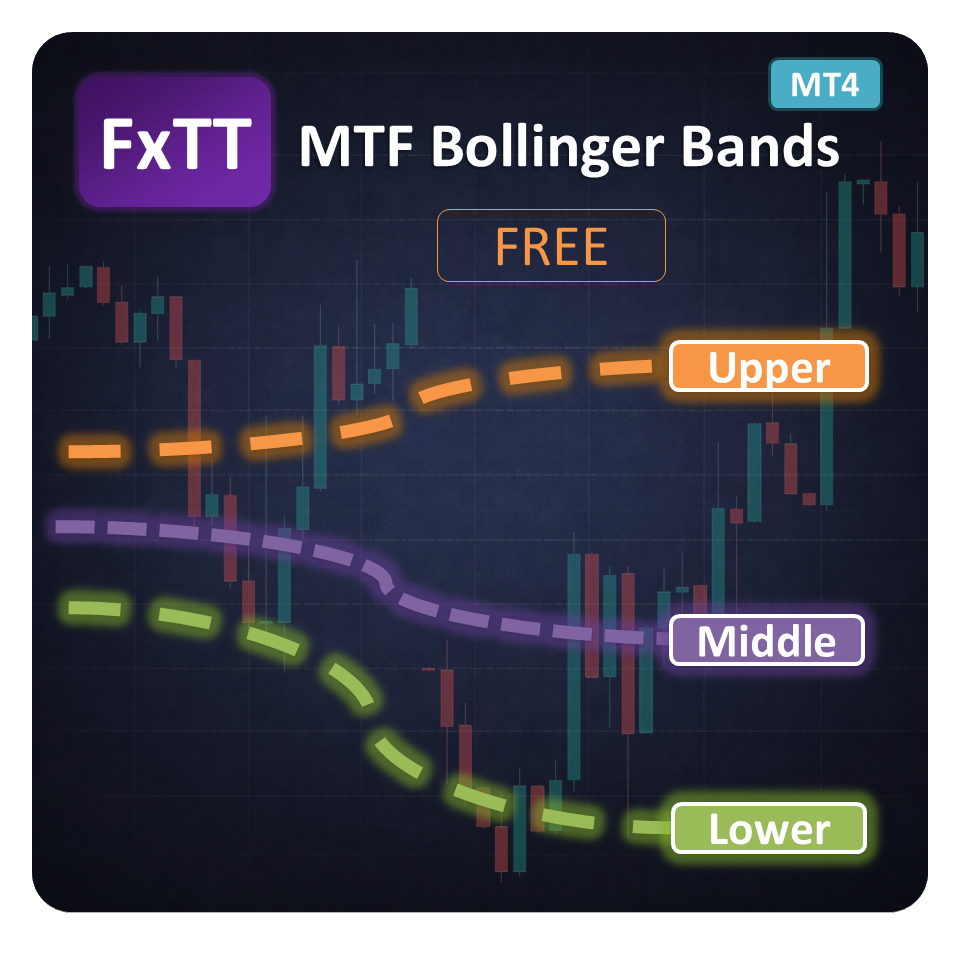
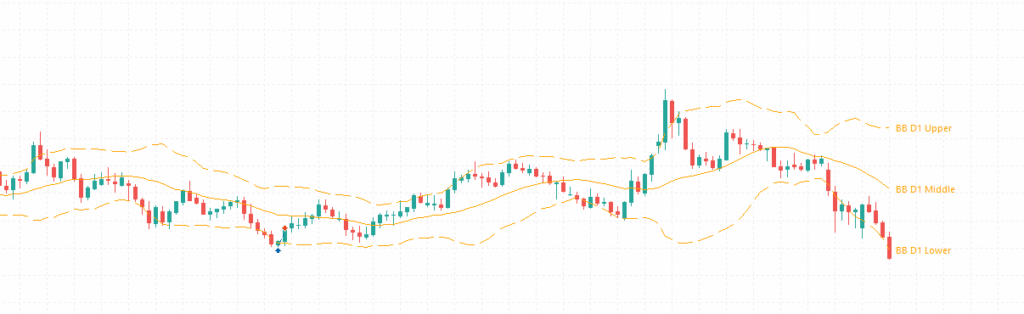
The MTF Bollinger Bands indicator overlays Bollinger Bands from multiple timeframes directly on your current MetaTrader 4 chart, so you never have to leave your working timeframe to check higher-timeframe volatility structure.
It was originally built for personal use to visualize dynamic support and resistance levels derived from Bollinger Bands across different timeframes simultaneously. The on-chart control panel lets you toggle each timeframe on or off in real time for a cleaner chart view.
Use it to identify Bollinger Band squeezes, expansions, and mean-reversion zones that are forming on higher timeframes while you analyze entries on a lower timeframe. This is a free legacy MT4 release — no account required, no expiry.

Key Features
- Multi-Timeframe OverlayDisplay Bollinger Bands from multiple timeframes on a single MT4 chart without switching windows.
- On-Chart Control PanelInteractive panel placed directly on the chart lets you show or hide each timeframe's bands instantly.
- Configurable Period & DeviationsSet your preferred Bollinger Band period, standard deviation multiplier, and shift for all timeframes at once.
- Custom Band StylingIndependently control line style, width, and color for the upper, middle, and lower bands.
- Squeeze & Expansion DetectionVisually compare band width across timeframes to spot pending breakouts and high-volatility setups.
- Dynamic Support & ResistanceHigher-timeframe Bollinger Bands act as dynamic S/R levels that update with every new bar.
- Any Instrument CompatibleWorks on any symbol available in your broker's MT4 feed — forex, metals, indices, and more.
- Template-ReadySave your band settings as an MT4 template to apply the same configuration across multiple charts instantly.
Screenshots
Write a Review
Frequently Asked Questions
- Yes. This product is the legacy MetaTrader 4 edition of FxTT MTF Bollinger Bands.
- It helps you compare Bollinger Bands from more than one timeframe on a single chart, which is useful for squeeze analysis, trend continuation, and mean-reversion workflows.
- No. It is a visual indicator only and does not place or manage orders.
- Yes, as long as the instrument is available in your broker's MT4 feed.
Setup Guide
Download the ZIP
Download the ZIP file from this product page and save it to a convenient location on your computer.Extract the indicator file
Extract the archive and locate the .ex4 indicator file inside.Open MT4 Data Folder
In MetaTrader 4, go to File → Open Data Folder to open the platform's data directory.Copy to Indicators folder
Navigate to MQL4/Indicators and paste the .ex4 file there.Restart or refresh MT4
Restart MetaTrader 4 or right-click the Navigator panel and select Refresh to load the new indicator.Attach to a chart
Drag MTF Bollinger Bands from the Navigator onto any chart and configure the inputs in the dialog that appears.
Changelog
- Initial public release of the legacy MT4 MTF Bollinger Bands indicator.
- Added multi-timeframe Bollinger Bands display for faster higher-timeframe context.
- Added configurable visualization controls for discretionary chart analysis.
More Free Tools
Free Download
Free tools are analysis aids and utilities. They do not guarantee trading results. Always test in a demo account before applying to live markets.