Multi-Indicator Panel Pro
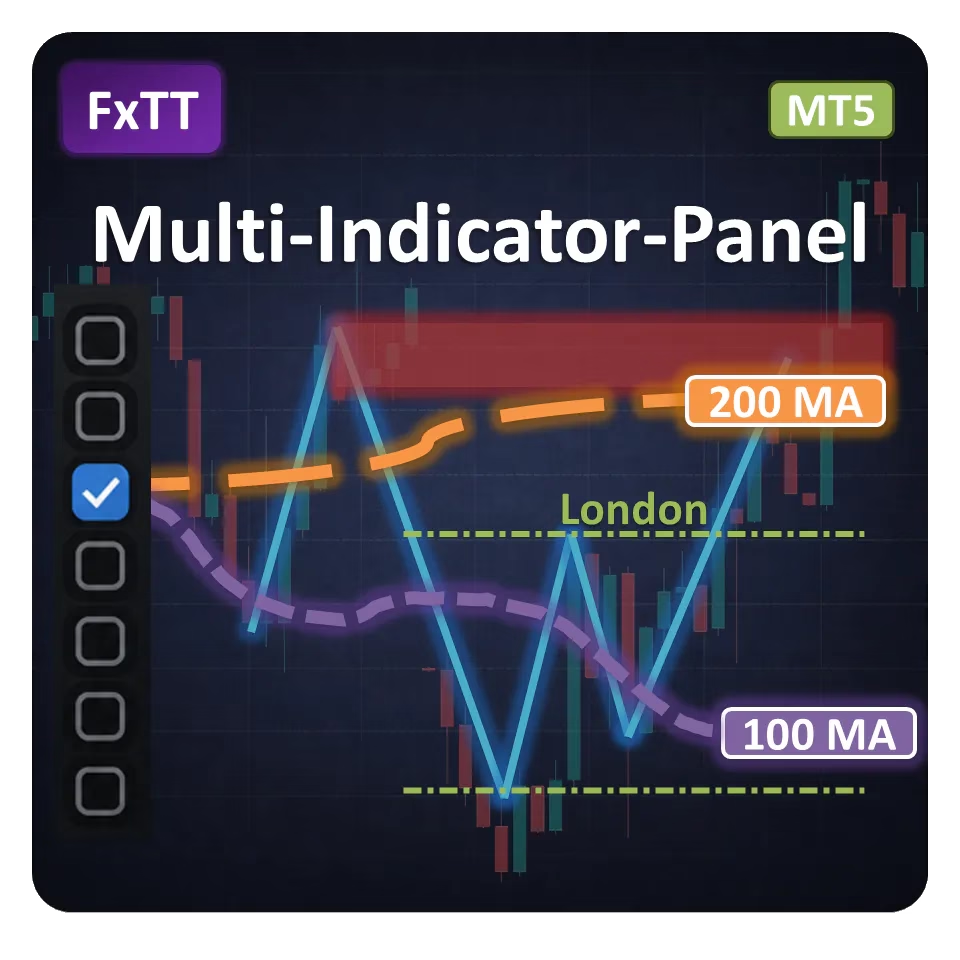
Multi-Indicator Panel Pro keeps seven MT5 analysis tools within reach without leaving every layer on the chart. Toggle each module from a draggable sidebar, then open its settings drawer to adjust the analysis in place.
Get Started Multi-Indicator Panel Pro
One-time license · MT5
60-day guaranteeOne-time license · 12 months of updates and support
One control surface for the whole chart
Seven analysis layers
Bring trend, volatility, swing structure, price levels, sessions, pivots, and economic-calendar context into one sidebar.
Tune it on the chart
Use the contextual drawer to change timeframes, periods, methods, filters, visibility, and alert rules without removing the indicator.
Return to the same workspace
The panel can remember its position, active rows, and each module's working configuration for that chart.
Alert only on what matters
Arm MA-cross, band-touch, S/R-touch, or high-impact-news alerts and deliver them by MT5 popup, push notification, or email.
What each module puts on the chart
Each row has its own controls. Changes are applied to that module and successful settings are retained for the chart.
- Triple MAThree independently configurable moving averages with timeframe, period, method, applied price, line visibility, and fast/mid cross alerts.
- Bollinger BandsTimeframe, period, and deviation controls, plus alerts when price touches the upper or lower band.
- ZigZagAdjustable timeframe, depth, deviation, and backstep for a cleaner view of swing structure.
- Support & ResistanceZigZag-derived, ATR-scaled zones with timeframe, height, lookback, labels, and touch-alert controls.
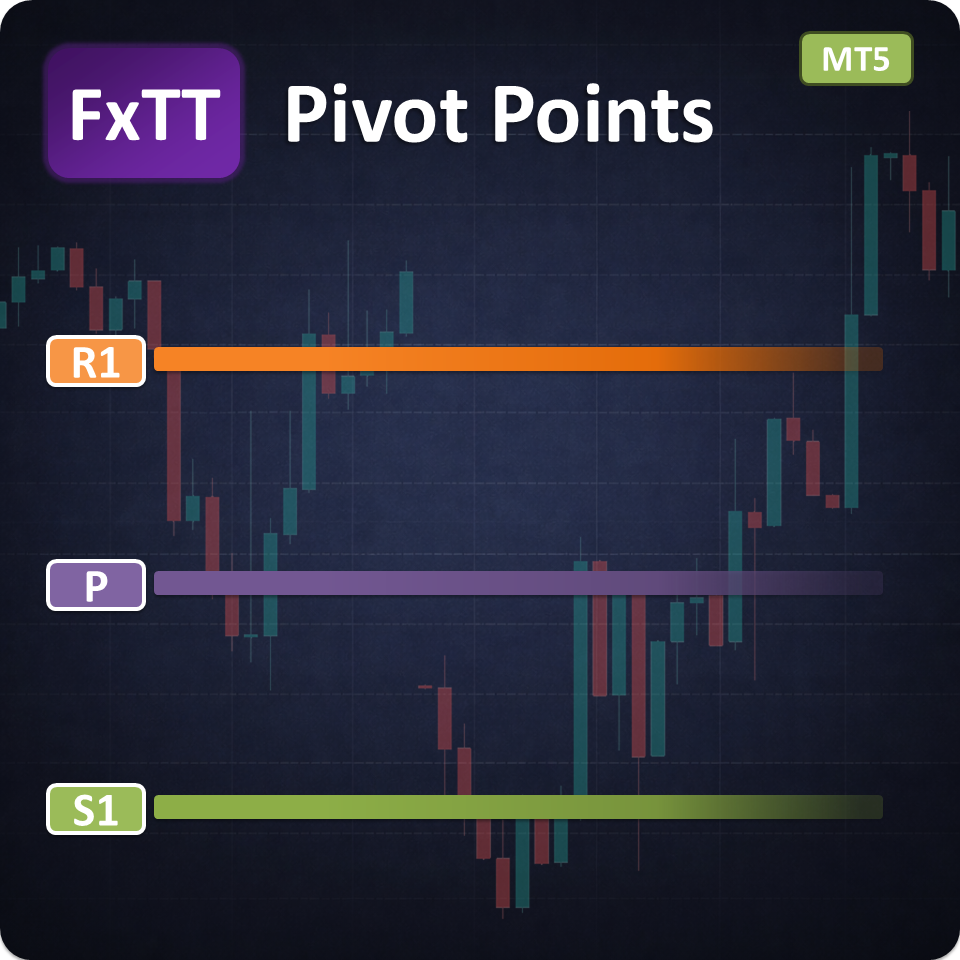
- Pivot PointsSelectable timeframe and calculation method, historical lookback, support/resistance visibility, and extend-right control.
- SessionsAsia, Europe, New York, and daily ranges with automatic or manual broker-GMT offset. Available on intraday charts below D1.
- Daily NewsEconomic-calendar rows and upcoming-event markers with currency, impact, history, panel-position, and alert-window controls.
How It Works
Select the layer. Adjust it where you trade.
Attach
Add Multi-Indicator Panel Pro to an MT5 chart. Its draggable sidebar gives each module a dedicated row.
Select
Switch on only the layers needed for the current read. The rest stay out of the way.
Tune
Click or dwell on a row's settings strip to adjust that module in the on-chart drawer.
Move from broad context to a clean execution chart
Start with the layers that answer the question in front of you. Use Triple MA and S/R to frame direction and location, add Bollinger Bands for volatility, then check Sessions and Daily News before an active market window. When a layer has done its job, switch it off. The sidebar keeps the tool available without forcing every plot, zone, and label to remain visible.
Built for discretionary MT5 analysis
Multi-Indicator Panel Pro suits intraday and swing traders who combine several forms of confirmation but want one consistent place to control them. It is especially useful when you move between trend, volatility, level, session, and event checks during the same chart review.
Trader Reviews
- ✓ Verified
Elena Vasquez
The panel is clean and all the indicators I need are in one place. Saves a lot of chart clutter.
- ✓ Verified
Dmitri Sokolov
Very useful for multi-timeframe confluence. Works reliably on MT5.
Mei Lin
Best panel indicator I've used. Setup was easy and it hasn't missed a beat.
Write a Review
Sign in to receive a Verified Purchase badge if you own this product.
Frequently Asked Questions
- It is a MetaTrader 5 chart indicator that controls seven modules from one draggable sidebar: Triple MA, Bollinger Bands, ZigZag, Support & Resistance, Pivot Points, Sessions, and Daily News.
- No. It provides visual analysis and alerts. It does not open, close, or modify positions.
- No. Multi-Indicator Panel Pro is built for MetaTrader 5 and the delivered .ex5 file is not compatible with MetaTrader 4.
- Yes. Each row has a contextual on-chart drawer for its working settings. Global options such as alert delivery channels remain in the indicator inputs.
- With persistence enabled, it remembers the panel position, active rows, and each module's validated configuration for that chart.
- The Sessions module is limited to intraday charts below D1. Other modules also need the relevant price history or MT5 economic-calendar data before they can display.
- You can arm alerts for MA fast/mid crosses, Bollinger Band touches, Support & Resistance zone touches, and upcoming high-impact news. Delivery can use MT5 popup, push, or email channels. Analysis alerts run while their module is enabled.
- It gives every module a consistent toggle and settings drawer, reduces repeated setup, and lets you remove unneeded layers without removing the whole indicator.
Setup Guide
Download and install
After purchase, extract the package if needed. In MetaTrader 5, open File → Open Data Folder, then MQL5 → Indicators. Copy the delivered Multi-Indicator Panel Pro .ex5 file into the Indicators folder and keep any supplied folder structure intact. Restart MT5, or right-click Navigator and select Refresh.Attach to a chart
From Navigator → Indicators, drag Multi-Indicator Panel Pro onto an MT5 chart. Choose the panel theme, icon size, optional text or checkboxes, persistence, and alert delivery channels in the indicator inputs.Build your workspace
Position the sidebar, switch on the rows needed for the current analysis, then open each row's settings strip to adjust its timeframe, parameters, visibility, filters, or alert rule. Persistence is enabled by default for panel position and active rows.Configure MT5 notifications
Use the indicator inputs to enable popup, push, or email delivery. Arm individual MA-cross, band-touch, S/R-touch, and high-impact-news events from their on-chart drawers. MT5 push and email delivery must also be configured in the platform options.Update the indicator
Remove the indicator from active charts before replacing its .ex5 file. Refresh Navigator or restart MT5, then attach the updated version again.
Changelog
- Initial product draft for Multi-Indicator Panel MT5.
- Seven toggleable modules: Triple MA, Bollinger Bands, ZigZag, Support & Resistance, Pivot Points, Sessions, and Daily News.
- Draggable on-chart panel with persistent position and checked-row options.
- Configurable panel layout, colors, sizing, title, and fonts.
- Popup, push, and email alert support for selected market events.
Keep seven analysis layers close — and the chart under control.
Get Started Multi-Indicator Panel ProTrading tools are analysis and execution aids. They do not guarantee profits. Always test with appropriate risk controls before live trading.