
Pivot Points MT5
Free Pivot Points Indicator
Free open-source MT5 Pivot Points Indicator for MetaTrader 5. Plot Classic, Fibonacci, Camarilla, Woodie, and DeMark pivot levels on Daily, Weekly, or Monthly periods with full style controls.
Free Download
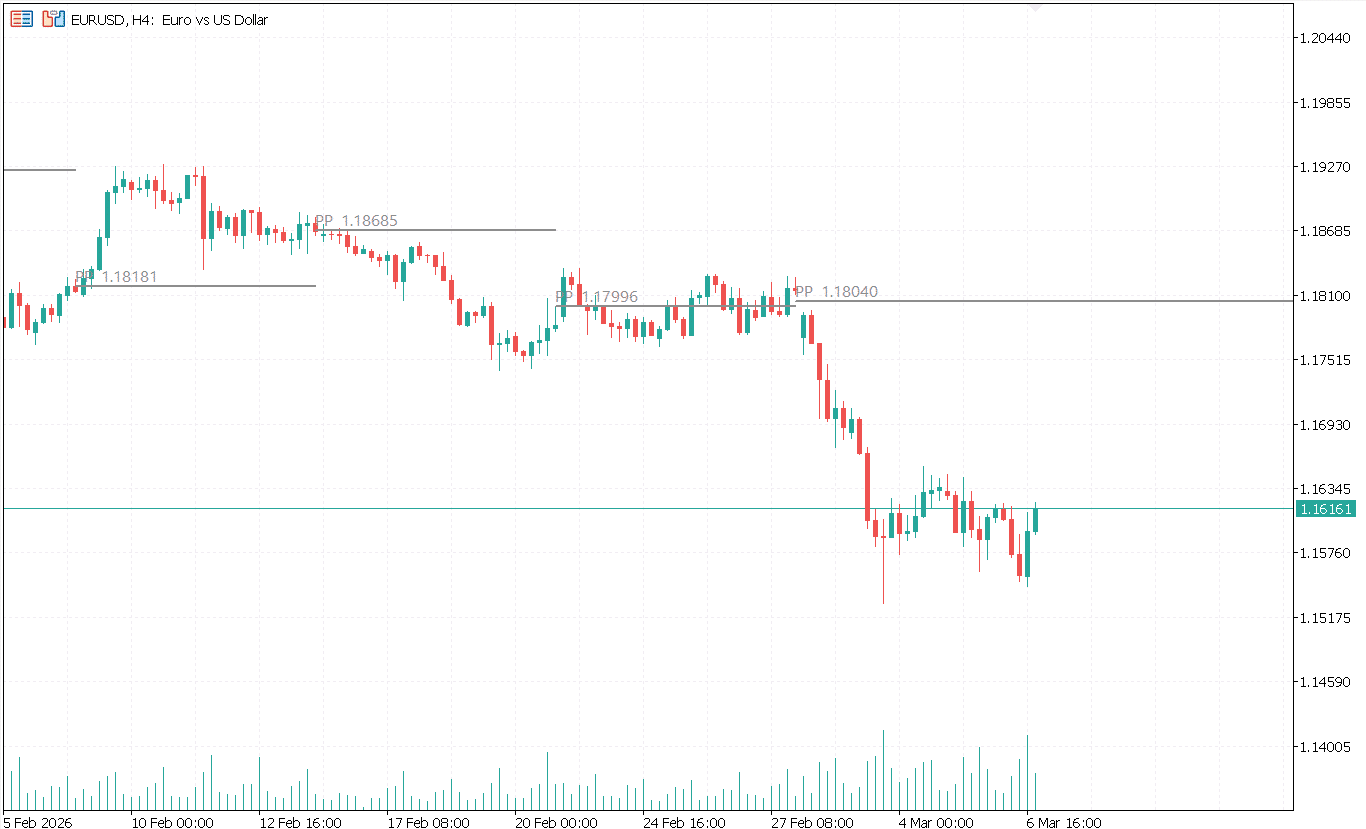
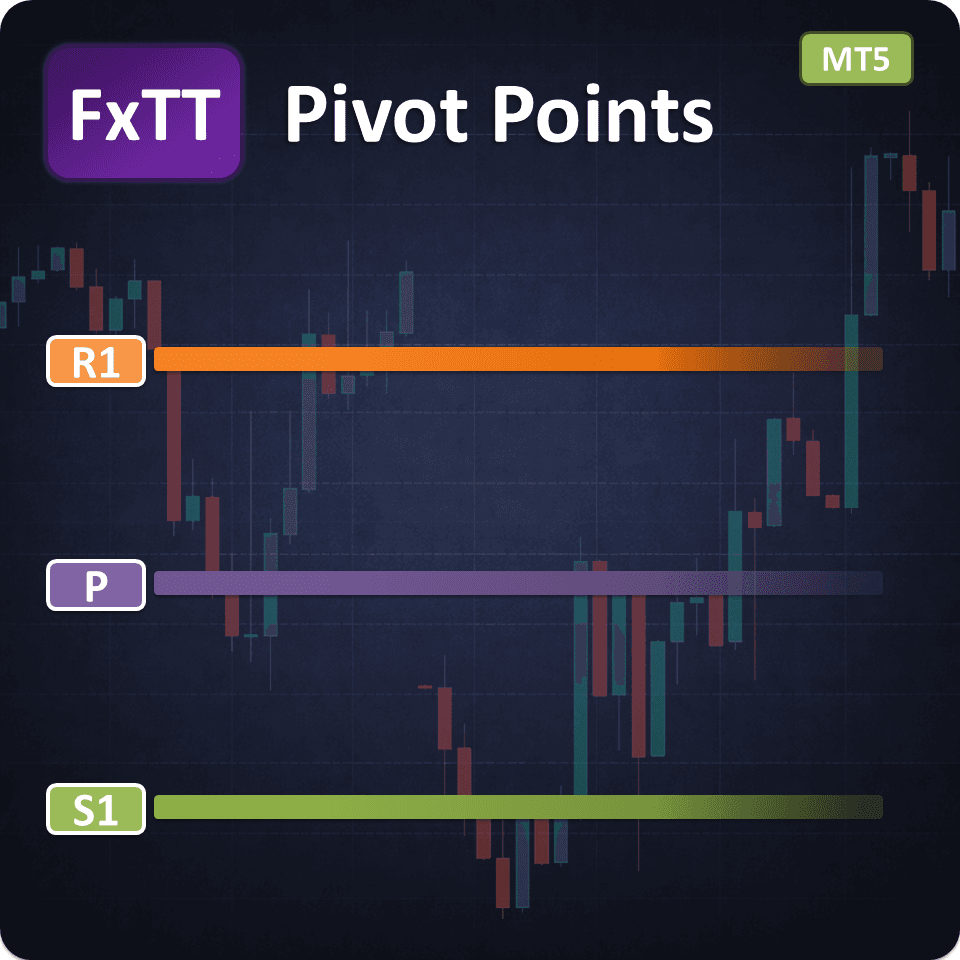
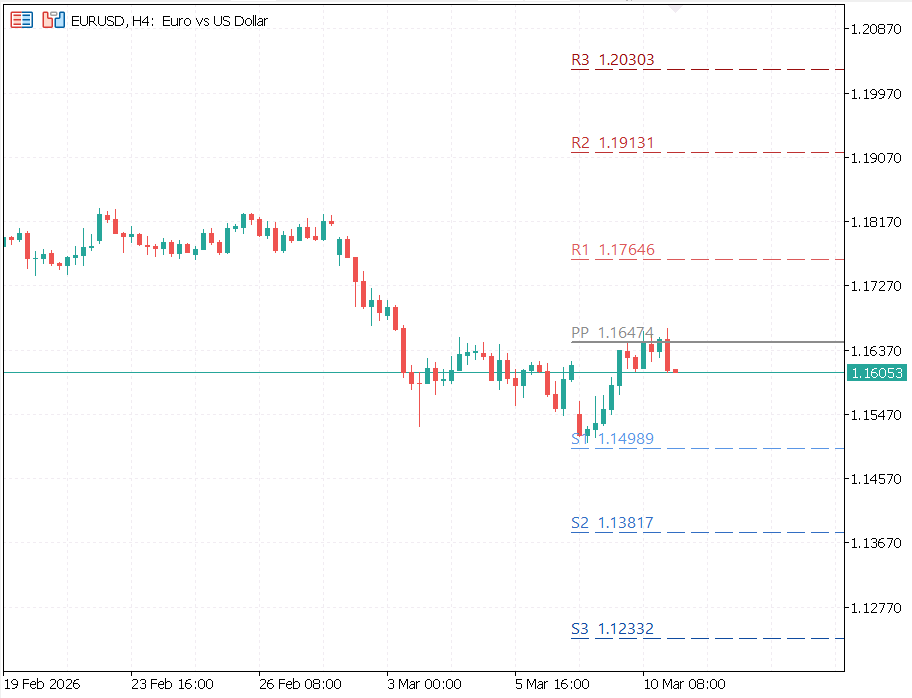
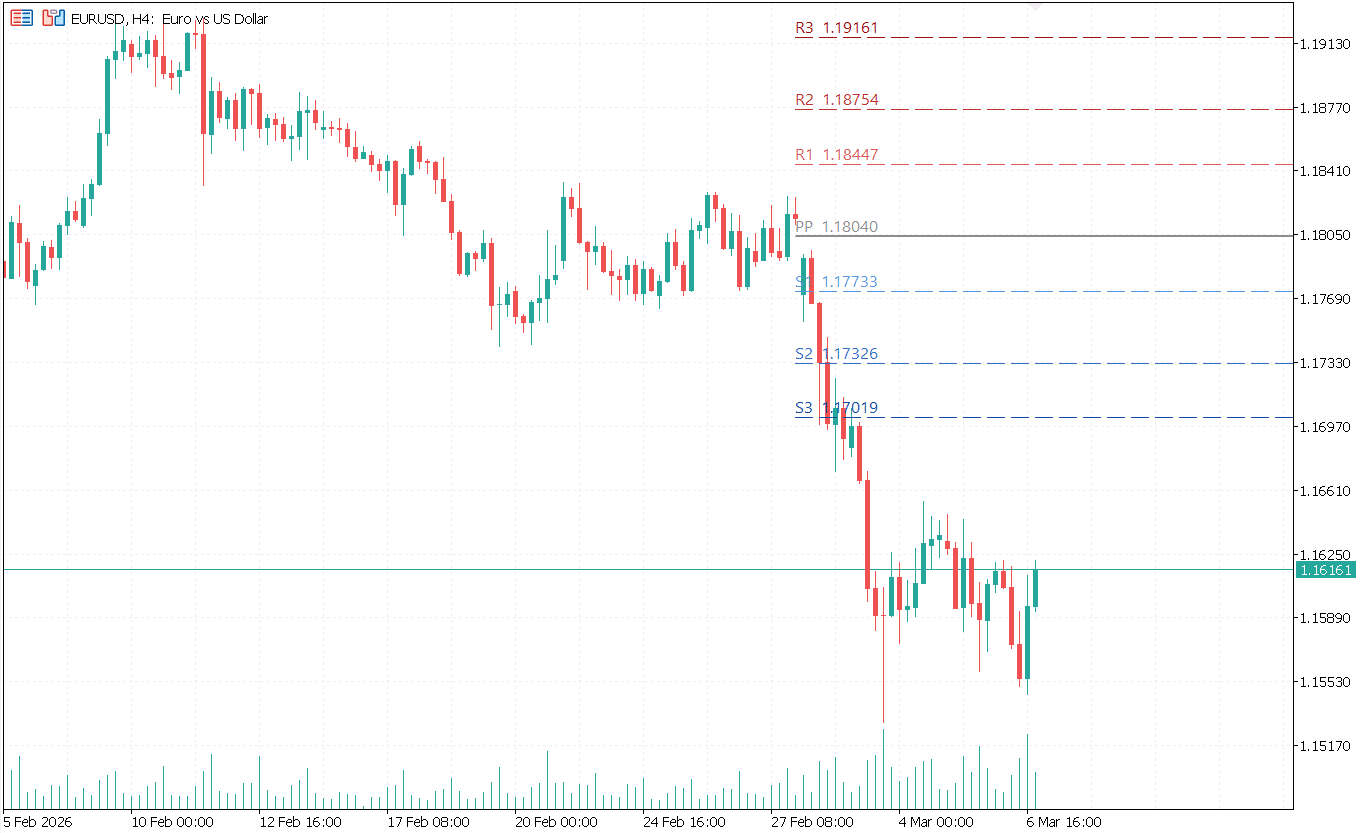
FXTT Pivot Points is a free and open-source MT5 indicator that automatically plots key pivot levels on your MetaTrader 5 charts. It helps traders frame market direction, map reaction zones, and plan entries or exits around objective price references instead of guesswork.
The indicator supports five popular calculation methods: Classic, Fibonacci, Camarilla, Woodie, and DeMark. Each method suits different trading approaches, from broad support and resistance planning to mean-reversion and intraday reversal setups.
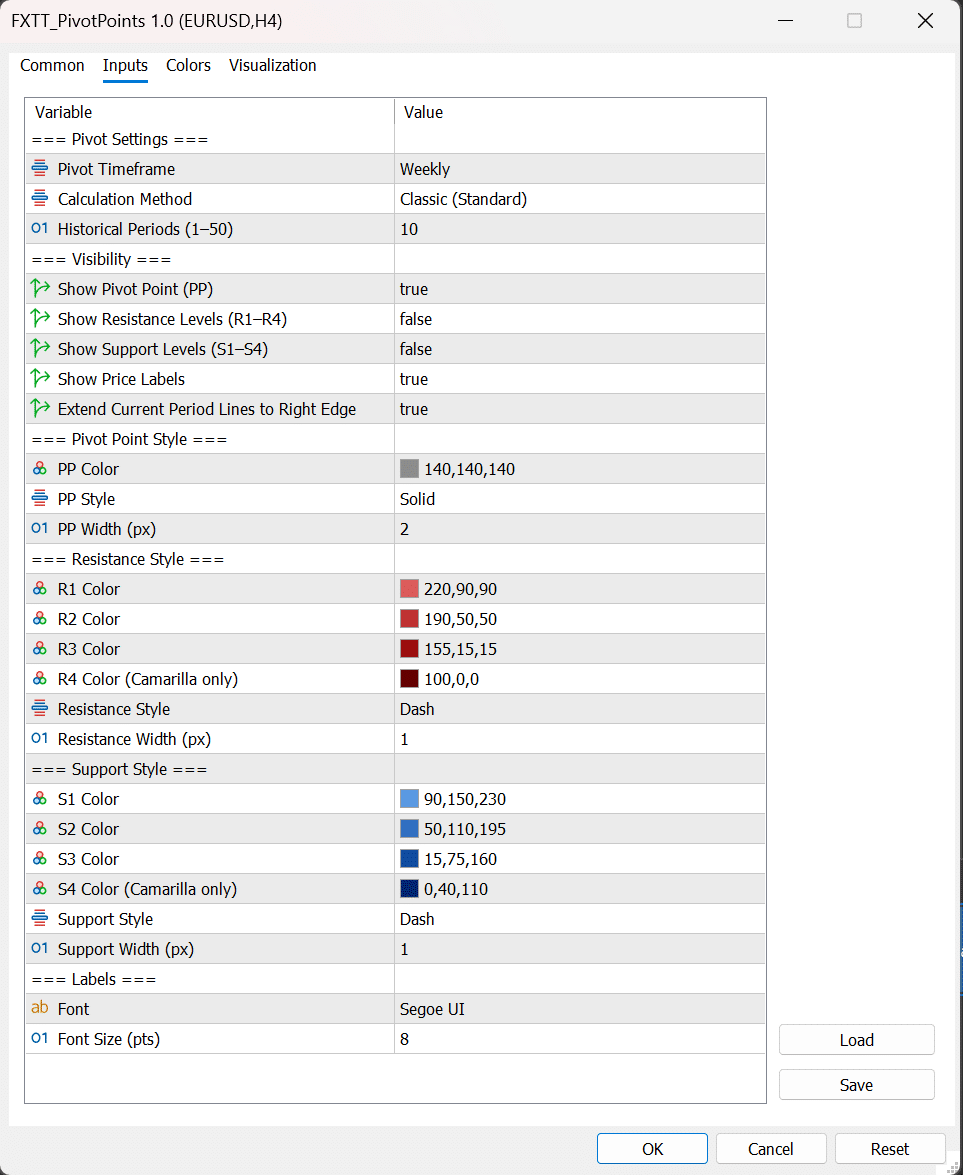
Pivot timeframes are configurable across Daily, Weekly, and Monthly periods, making it adaptable for both short-term intraday workflows and longer swing trading routines. Settings are available from Inputs so you can test a consistent routine across symbols without changing your core process.
Full visual customization lets you show or hide the central pivot, resistance levels, support levels, and labels independently. You can tune line colors, styles, and widths so levels remain visible without overwhelming your chart template — a key advantage when monitoring multiple charts during volatile sessions.
Because the project is open source, traders and developers can inspect the implementation, verify the calculation logic, and adapt behavior to their own workflow. Install it once, standardize your preferred method, and keep your level mapping consistent across markets and timeframes.
Key Features
- Five Pivot MethodsChoose from Classic, Fibonacci, Camarilla, Woodie, or DeMark calculation styles to match your strategy.
- Daily, Weekly, and Monthly PeriodsSwitch between pivot timeframes to suit intraday scalping, swing trading, or macro level mapping.
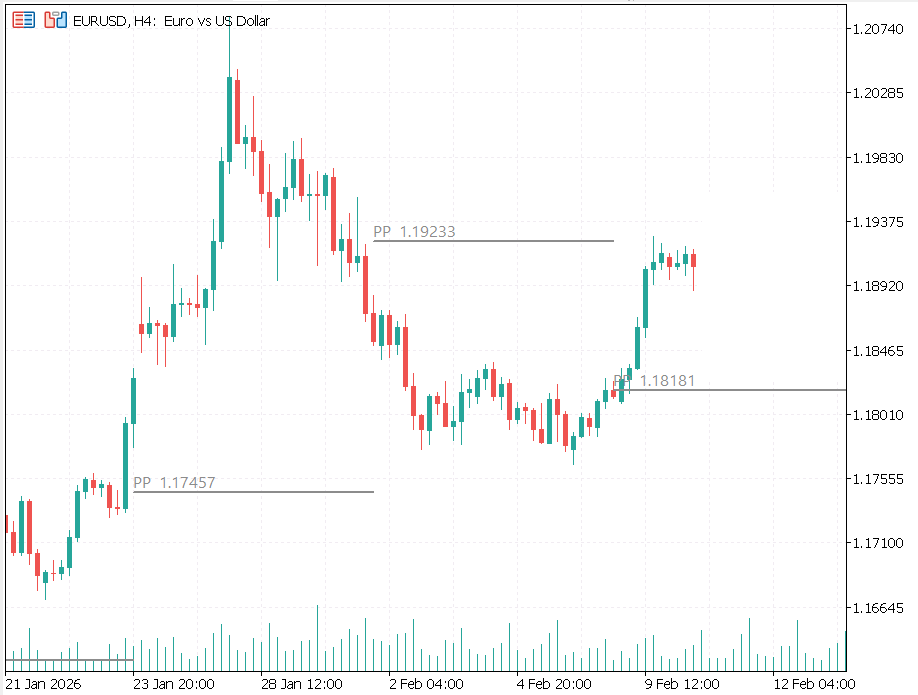
- Multiple Historical PeriodsDraw up to 50 prior periods of pivot history for context and backtesting chart review.
- Resistance and Support LevelsPlots R1–R4 and S1–S4 levels depending on the selected method, giving you a complete range of reaction zones.
- On-Chart LabelsLevel labels display directly on the chart with configurable font family and size for quick identification.
- Full Line Style ControlIndependently configure line color, style (solid, dash), and width for the pivot, resistance, and support groups.
- Show/Hide Each Level GroupToggle visibility of the central pivot, resistance group, support group, and labels independently to keep charts clean.
- Extend Levels to Chart EdgeOptionally extend current-period levels to the right edge of the chart for forward price reference.
- Free and Open SourceFull source code is available on GitHub. Inspect logic, verify calculations, and adapt the indicator to your workflow.
Trader Reviews
Ibrahim Al-Rashid
Clean pivot levels with no lag. Been using it daily for three months.
Chiara Romano
Accurate daily and weekly pivots. Nice to have all levels visible at once.
Kevin Nkosi
Simple, lightweight, and does exactly what it says. Perfect.
Write a Review
Frequently Asked Questions
- No. Pivot levels are calculated from completed prior periods and remain stable for backtesting and chart review.
- Classic is a strong default for broad use. Camarilla is popular for mean reversion, while Fibonacci is often used for momentum continuation zones.
- Yes. Choose Daily pivots for intraday detail, Weekly for balanced context, and Monthly for broader swing structure.
- Yes. This product is open source on GitHub at github.com/ForexTradingTools/fxtt-mt5-pivot-points.
Setup Guide
Download the archive
Download the indicator archive from the product download section on this page.Open MT5 Data Folder
Open MetaTrader 5 and go to File → Open Data Folder.Copy the indicator file
Navigate to MQL5/Indicators/FXTT/Pivot Points/ and copy FXTT_PivotPoints.mq5 (or the compiled .ex5 file) into that folder.Restart and load
Restart MT5 or refresh the Navigator panel, then drag the indicator onto your chart.Configure settings
Default setup uses Weekly pivots with the Classic method. Switch to Daily or Monthly and choose your preferred method in the Inputs tab of the indicator settings.
Changelog
- Initial public release of FXTT Pivot Points for MT5.
- Added five pivot methods: Classic, Fibonacci, Camarilla, Woodie, and DeMark.
- Added Daily, Weekly, and Monthly timeframe options.
- Added level visibility controls, label controls, and line style customization.
More Tools


Free Download
Free tools are analysis aids and utilities. They do not guarantee trading results. Always test in a demo account before applying to live markets.