

 Technical Analysis
10 Best Free MT5 Indicators (2026)
10 free MT5 indicators for trend, structure, momentum, correlation, sessions, and pivots, all free with no trial and no expiry.
We develop professional MetaTrader indicators, Expert Advisors, scanners, dashboards, risk management utilities and backtest analysis tools for MT4 and MT5 traders.

Forex Trading Tools helps retail and systematic traders improve chart analysis, trade execution, risk control and backtest review inside MetaTrader 4 and MetaTrader 5.
Multi-timeframe dashboards, support and resistance tools, pivot points, session levels and market scanners for MetaTrader 5.
Semi-automated trading tools for execution, alerts, trade management, risk protection and rule-based workflows.
Guides for MetaTrader setup, backtesting, forex risk management, technical analysis and practical EA usage.
Browse the catalog by trading style. It shows the matching indicators and EAs.
Draw, validate, execute. Semi-automated trendline EAs and breakout filters.
8 toolsSession ranges, opening-range alerts, retest filters and volume confirmation.
11 toolsDashboards that scan more than 24 pairs from M15 to D1.
6 toolsEquity monitors, drawdown protection and position-size calculators.
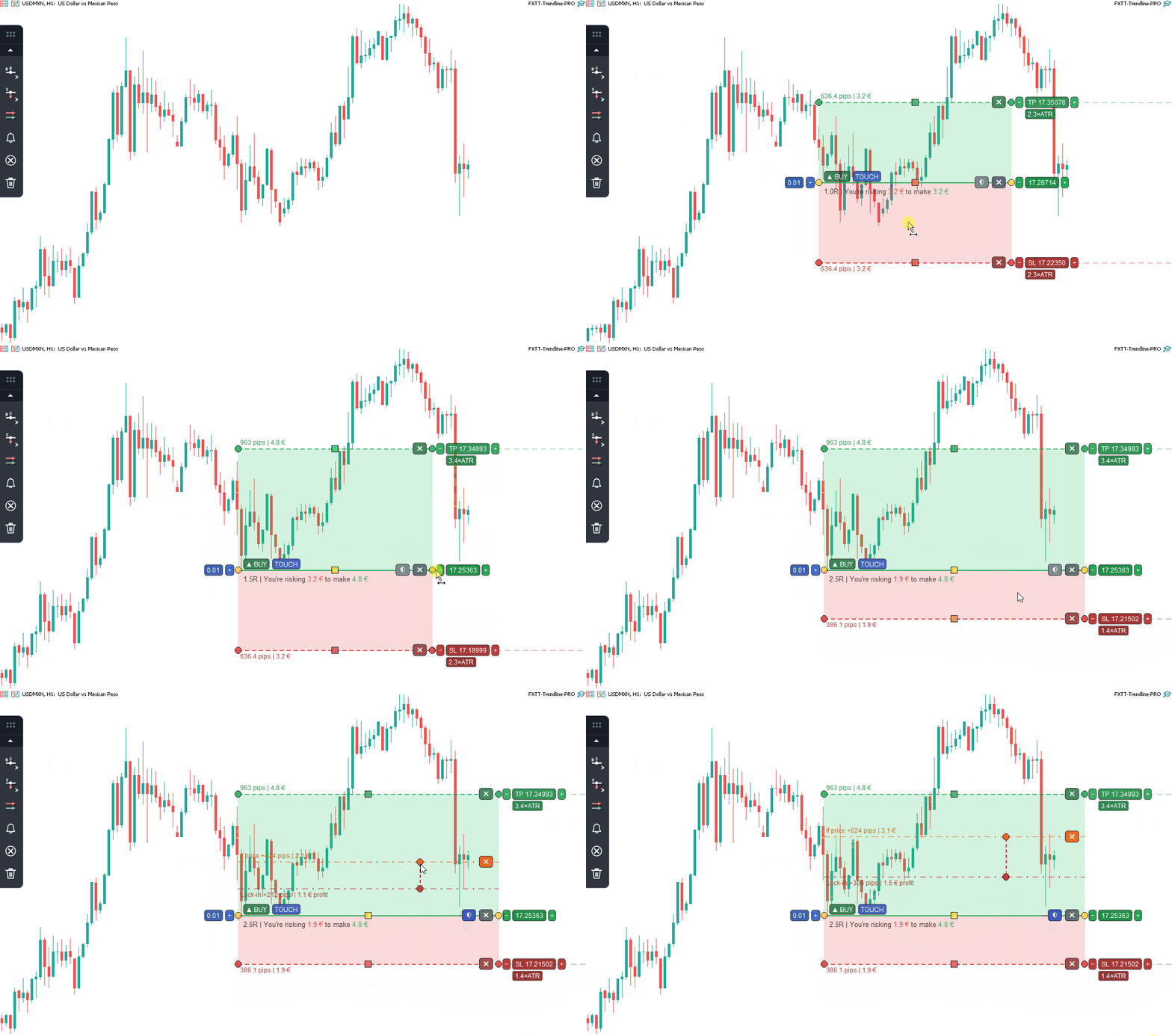
9 toolsDraw a trendline and set the plan. TrendlinePRO watches the chart, validates the breakout, and executes it.
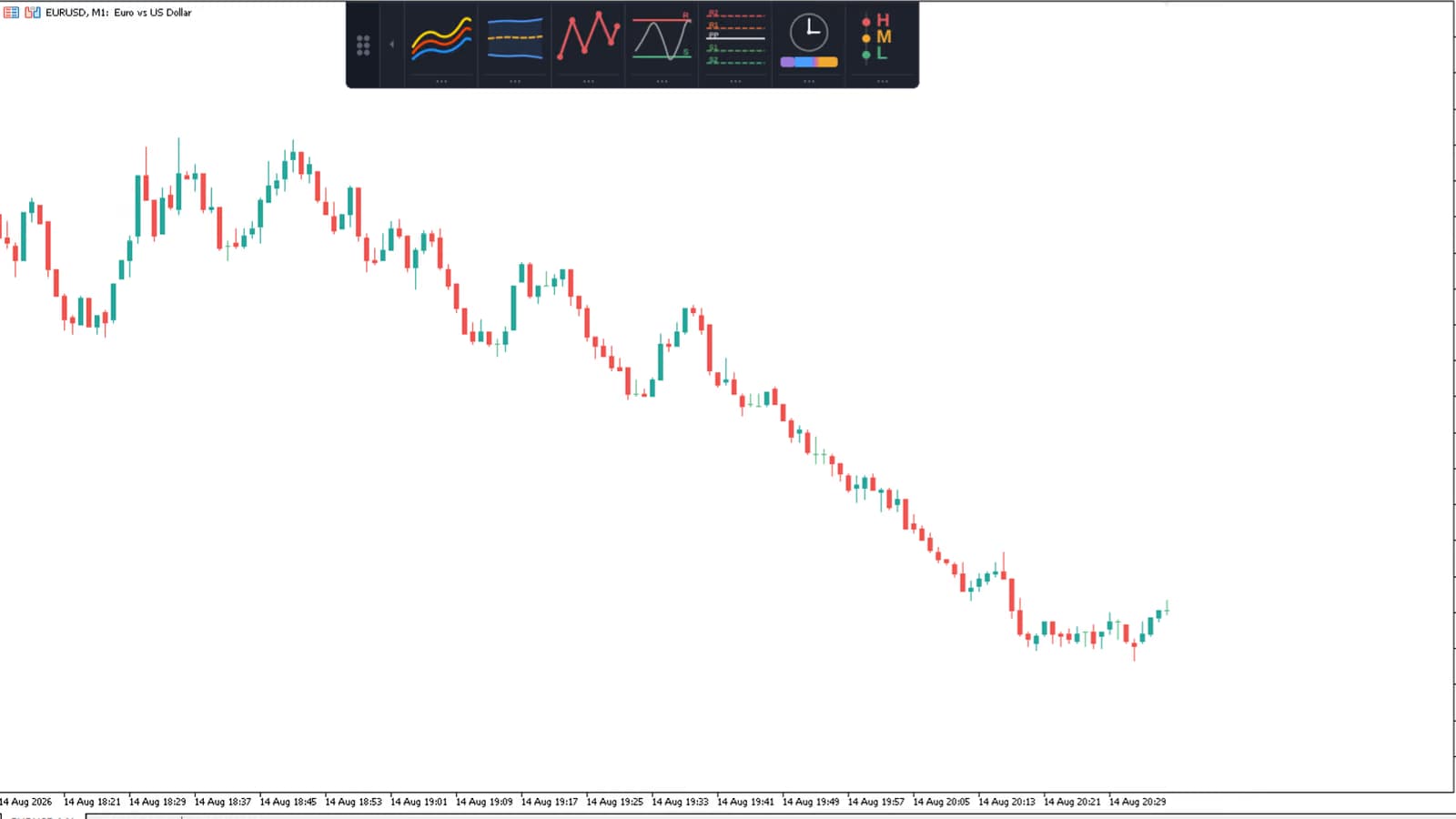
Seven MT4 or MT5 chart tools in one dockable panel. Switch on a tool, tune it in its settings drawer, then dock the panel out of the way.
The founder runs each tool on his own account before release.
You draw the trendline, set the bias, and define the risk. The EA executes without black-box signals, martingale, or grid logic.
Every paid EA has a free version on MQL5. If the PRO version is not right for your setup, we refund it within 60 days.
Free MT5 tools used by 12,000+ traders. Install them in about 60 seconds and keep them.
Plots support and resistance zones from swing highs and lows.
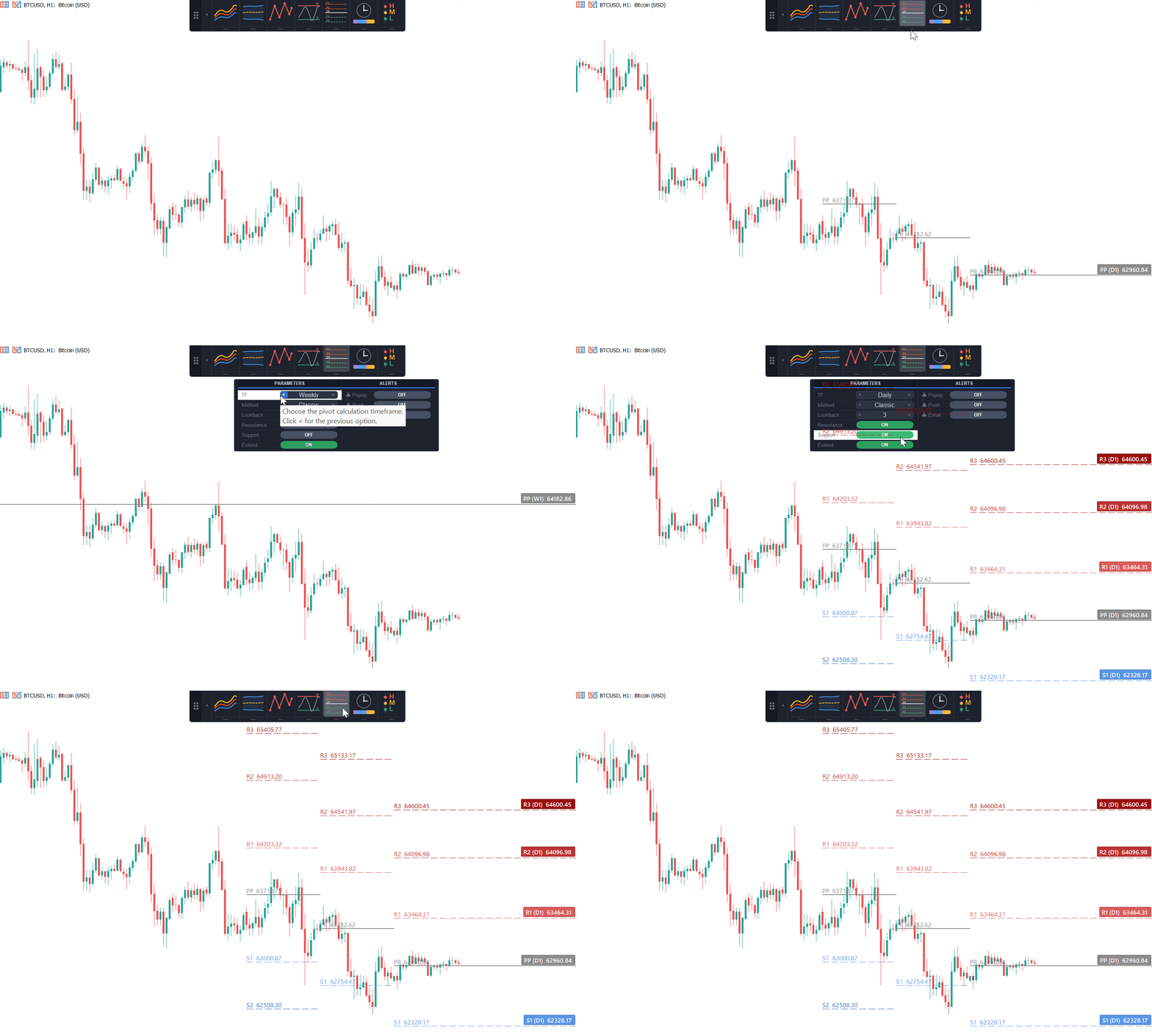
Download FreeClassic, Fibonacci, Camarilla pivots auto-calculated. Daily / weekly / monthly levels in one indicator.
Download FreeMarks Asia, London, and New York session ranges as they form.
Download FreeUpload an MT5 .htm report to see an equity curve, drawdown analysis, R-multiple distribution, and trade-time heatmaps. It runs in your browser, with no EA install.
Review links and product data you can check before buying.

"Excellent product with amazing support. I am extremely satisfied. The developer is always helpful and created a new version with a new feature I requested. Lots of thanks to Carlos. Already I recommended to 3 of my friends. They are also very happy. :)"

"For the price of the EA/Indi vs the functions it can perform at this price point, I'm extremely satisfied. Thanks"
"If your a trendline trader this is the best EA you can get. There is nothing it doesn't cover. And affordable too. So just buy it and try it. I tend to use it with fib, fib extensions and s/r with good results. Don't forget it's up to you to select which trade you are going to take. There is no holy grail only assistance and this is the one for me. Thanks to Carlos the Author who is very helpful too."

"Very usefull, you can build up an entire semi-auto strategy with this EA. With Trailing stop and breakeven, that will be perfect. I mainly use it with BoFB strategy on indices supports and a shift value high enough not to trigger "false false breakout", it performs very well 👍"
"Very good and smart EA. Good points: - Can intereact with other EA's specifining Magic Number - Different commands to execute orders: at touch, at breakout, at pull back, at false breakout - Smart way to specify sl ant tp and volume for each order by object descrition instead of EA's parametres Points to improve at my opinion: - Risk Management - Filters : spread, working hours, volatility - Exit conditions: trail stop - Auto draw trendlines, supports and resistences Thanks Carlos Great job!"

"it is brilliant so far, can use the same line again, just what I wanted, add the code in the description field of the selected line"
Answers to common questions about FxTT tools. Need something else? Ask us on Telegram.
Most paid EAs ship for both MT4 and MT5. Some tools are MT5-only, while others also support MT4. Each product page lists the supported terminal at the top.
No. FxTT EAs are semi-automated. You set the bias and SL/TP rules; the EA executes the breakout, manages the trade, and sends alerts. It does not use black-box signals, martingale strategies, or grids.
60-day no-questions refund on every paid product purchased directly from forextradingtools.eu. MQL5 marketplace purchases follow MetaQuotes' rental/license terms — we'll happily issue a direct refund if MQL5 declines.
Yes. Trendline PRO and Equity Tracker are used by hundreds of funded traders. The Equity Tracker enforces drawdown limits and auto-pauses the EA before you breach phase rules. We test on the major prop-firm terminals each quarter.
Yes, on a limited basis. Custom MQL5 development starts at $1,200 USD for a defined-scope EA, with a 4–6 week typical delivery. Reach out via the contact form with your strategy spec and we'll reply within 48 hours.
Every purchase ships a 60-second PDF install guide plus a video walkthrough. Short version: download .ex5 → drop into MQL5/Experts (or Indicators) → restart MT5 → drag onto chart, allow algo trading. Stuck? Our Telegram replies within 2 hours.
No. FxTT sells tools, not signals. We don't believe signal-selling is compatible with running a serious trading business — and we won't pretend otherwise. Buy the tool, run it on your own analysis.
Yes. Products with demo builds show a demo download button on the product page, and every direct paid purchase is protected by the same 60-day no-questions refund window.
Technical Analysis10 free MT5 indicators for trend, structure, momentum, correlation, sessions, and pivots, all free with no trial and no expiry.
 Trading Education
Forex swap is the overnight financing charge or credit on an open position. See why long and short differ, when triple swap lands, and try it yourself.
 Trading Education
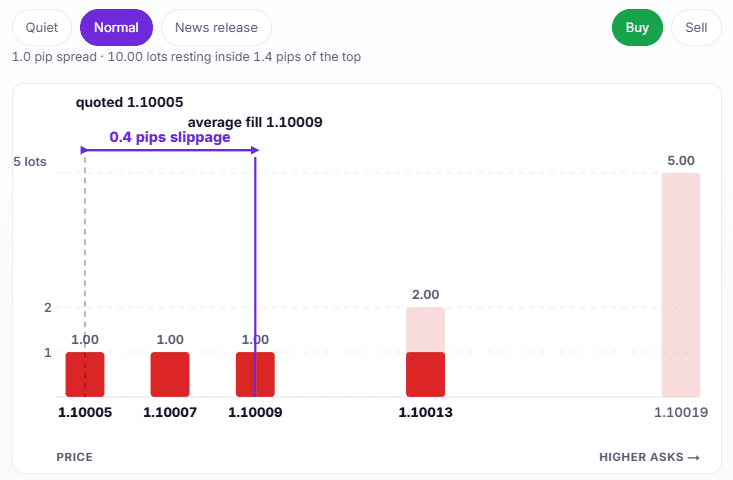
Slippage is the gap between the price you expect and the price your forex order fills at. It differs from spread and depends on available liquidity.
Support is handled directly by a trader who uses these tools in live trading. Most replies arrive within two hours.
We build and use these tools in our own trading. We release them after testing them in live market conditions.

I'm a software developer and forex trader who builds MetaTrader tools for MT4 and MT5. FxTT began as a personal toolkit for analysis, execution, risk management, and backtesting. I do not sell black-box signals. I build practical tools that give traders more control.